Duostrick

Studio News
AV Player: Video & MP3 Player — Every Feature Explained
Complete AV Player guide: free 4K video player for MP4, MKV, AVI and FLAC, plus Picture-in-Picture, gesture controls, 8 themes, subtitles and offline MP3.
·4 min read

All-format video & music player with equalizer & volume boost. Offline, no ads.
AV Player is a fast, all-in-one video and music player for Android. It plays almost any file you throw at it — MP4, MKV, AVI, MOV, FLV, MP3, FLAC, WAV — with smooth HD and 4K playback, fully offline.
One app replaces your video player, music player, equalizer and volume booster.
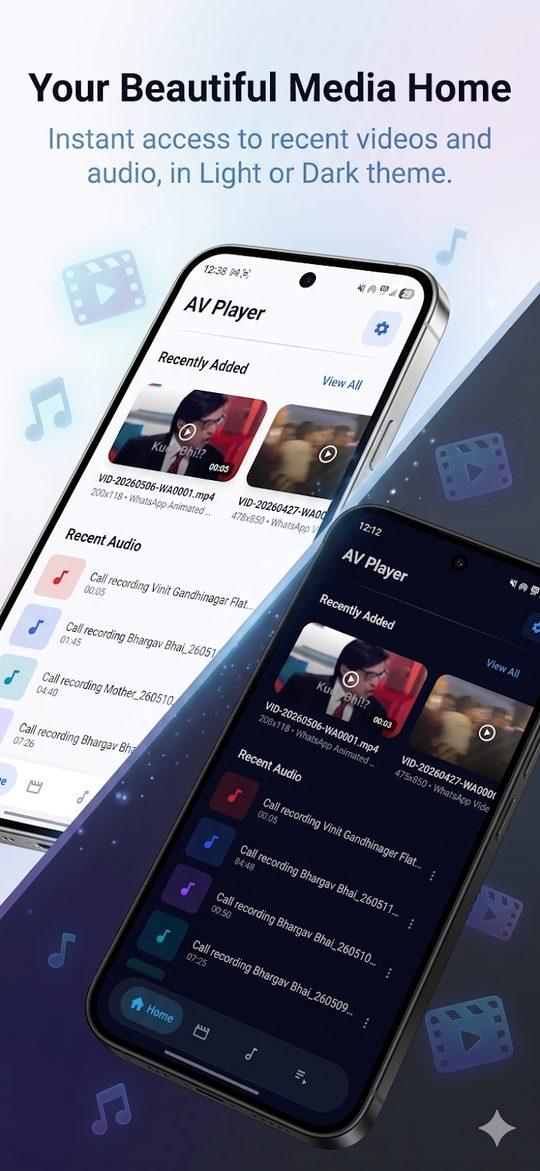
Hardware-accelerated 4K, Full HD and HD playback that stays smooth even on low-end devices.
Boost volume beyond the system limit when a video or song is too quiet, and shape your sound with a built-in equalizer — for both music and video playback. A real volume boost for movies, not just music.
Turn your phone into a high-quality offline music player with fast library browsing.
Everything you need while something is playing, without hunting for tiny buttons.
AV Player scans and organises your whole media library.
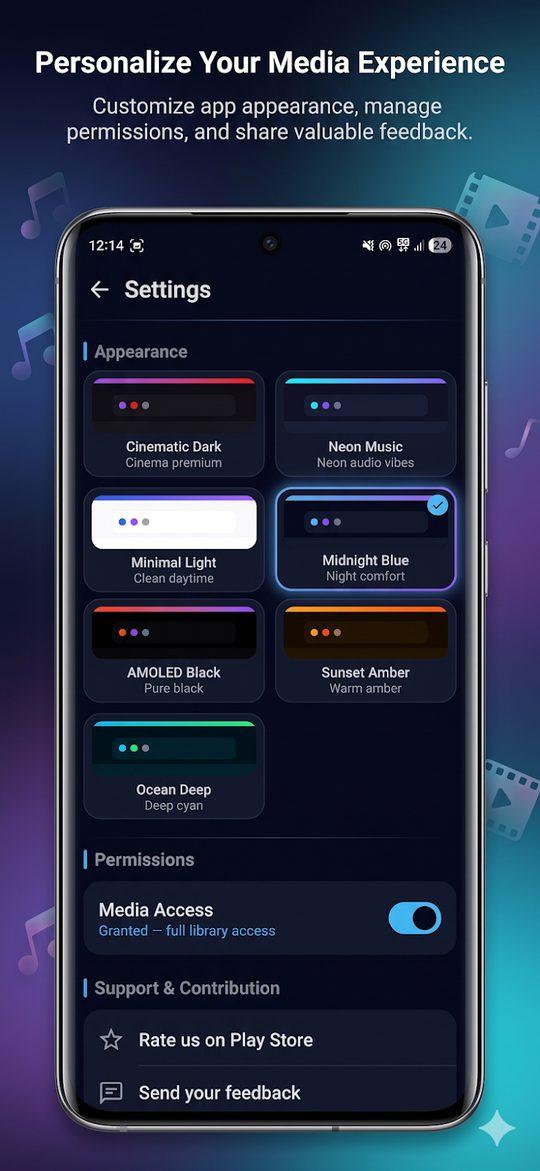
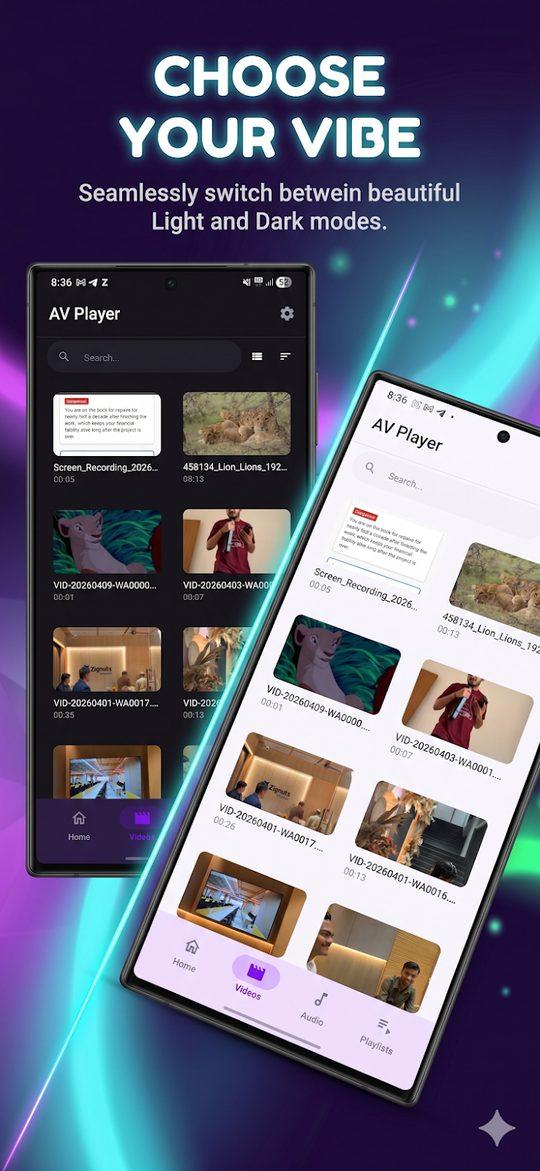
Minimal, premium design with smooth animations and eight themes — Light, Dark, AMOLED Black, Midnight Blue, Sunset Amber, Ocean Deep, Neon Music and Cinematic Dark. Lightweight, with low battery and RAM usage.
Swipe up or down on the left half of the screen to adjust brightness. Swipe up or down on the right half to adjust volume. Swipe left or right anywhere on the screen to seek forward or backward. These gestures work in both portrait and landscape modes.
AV Player supports MP4, MKV, AVI, MOV, FLV, WMV, 3GP, M4V, WEBM and TS video formats, and MP3, FLAC, WAV, AAC, OGG and M4A audio formats. If your file doesn't play, try converting it to MP4 or MKV, and make sure the app has permission to access your storage in Android settings.
While a video is playing, pull down from the top of the video to enter PiP mode, or press your device's Home button. The video shrinks to a floating window you can position anywhere. Android 8.0 (Oreo) or higher is required.
Long-press any folder in the file browser, then tap Hide folder. The folder disappears from the main library view. To unhide it, go to Settings → Hidden Folders, select the folder and tap Restore.
Yes. The volume boost and the equalizer both apply to video playback as well as music, which is what you want for quiet movie dialogue — not just for songs.
Still stuck? Head to Support & FAQ or email support@tradeslook.com.
Complete AV Player guide: free 4K video player for MP4, MKV, AVI and FLAC, plus Picture-in-Picture, gesture controls, 8 themes, subtitles and offline MP3.
10 hidden AV Player features Android users miss: gesture brightness and volume, AMOLED black theme, instant PiP swipe, sleep timer and private folder hiding.